
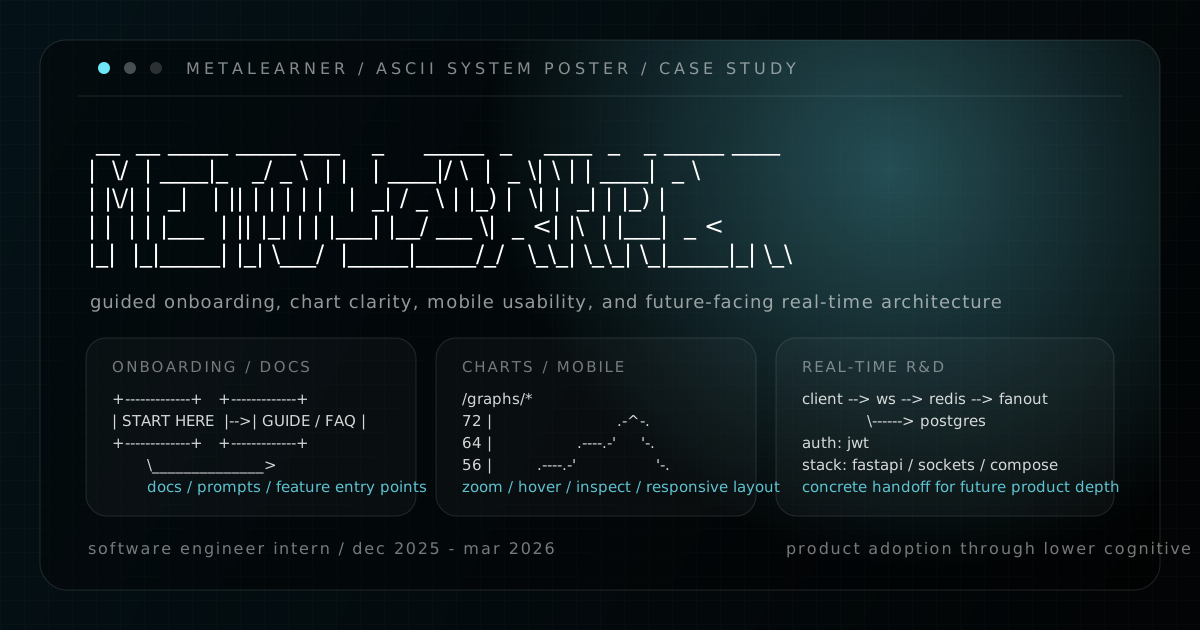
MetaLearner was one of the clearest examples of the kind of product engineering work I want to keep doing. The product itself had depth, but that also meant the user experience could become expensive very quickly. If onboarding was vague, if feature discovery depended on human guidance, or if charts were hard to inspect, then the product’s power did not fully translate into adoption.
That was the throughline across my internship. I was not just shipping isolated features. I was working on the layer between technical capability and real product usability: how users start, how they learn, how they inspect information, and how the team leaves behind work that other people can actually extend.
Rather than flatten everything into one long retrospective, I wanted to structure this case study the same way I structured mobile-nav-and-subposts: one parent post for the overview, then subposts for the parts that carry enough substance to stand on their own.
A product-adoption internship, not one feature
MetaLearner had the kind of surface area where value only shows up if users can cross a few thresholds:
- they need a clear first path
- they need guidance close to the workflow
- they need charts that support inspection, not just display
- they need interfaces that hold together on smaller screens
- they need future-facing technical work to be documented well enough for someone else to pick up later
That is why the internship ended up spanning onboarding, documentation, chart tooling, mobile-friendly layout work, redesign exploration, architecture prototyping, and handoff material. On paper those can look like different tracks. In practice they were all parts of the same product problem.
The four tracks in this case study
This writeup breaks into four subposts:
- Self-serve onboarding and documentation: the work around guided onboarding, in-product guidance, prompt-writing support, and i18n-aware customer help.
- Charts and responsive interface work: the public
/graphs/*gallery, interaction patterns like zoom and hover inspection, and the mobile-friendly layout improvements around that work. - Redesign direction in Figma: the current-state review, responsive explorations, design-system development, and chart/data visualization direction.
- Research, handoff, and future-facing references: the Socket.IO prototype, the handoff site, and the search research I passed along for future use.
I also put together a public handoff site / presentation that sits alongside this written case study. That site leans more toward wrap-up and reflection. This post is the more product-engineering version of the same internship.
What held the work together
The shortest summary is that I kept trying to lower cognitive load.
The onboarding work tried to reduce the amount of outside help needed to get started. The documentation work tried to move explanations closer to the point of use. The chart gallery and interaction work tried to make data feel more inspectable and trustworthy. The Figma redesign work tried to give those improvements a stronger long-term visual system. The research and handoff work tried to make future implementation paths legible instead of leaving the team with vague ideas.
That combination matters to me because it is a good example of what “product engineering” looks like in a technical environment. It is not just building the thing. It is making the thing easier to enter, easier to reason about, and easier for the next person to continue.
Go ahead and read the subposts
On desktop, the subposts sit in the right-hand sidebar. On mobile, they appear in the sticky navigation layer above the table of contents. I wanted the MetaLearner material to work this way because there was too much real content here to compress into one neat summary without losing the details that actually make the internship interesting.